How to Redeem Motor Legends Codes
Settings gear, yellow Codes button, case-sensitive paste—plus troubleshooting.
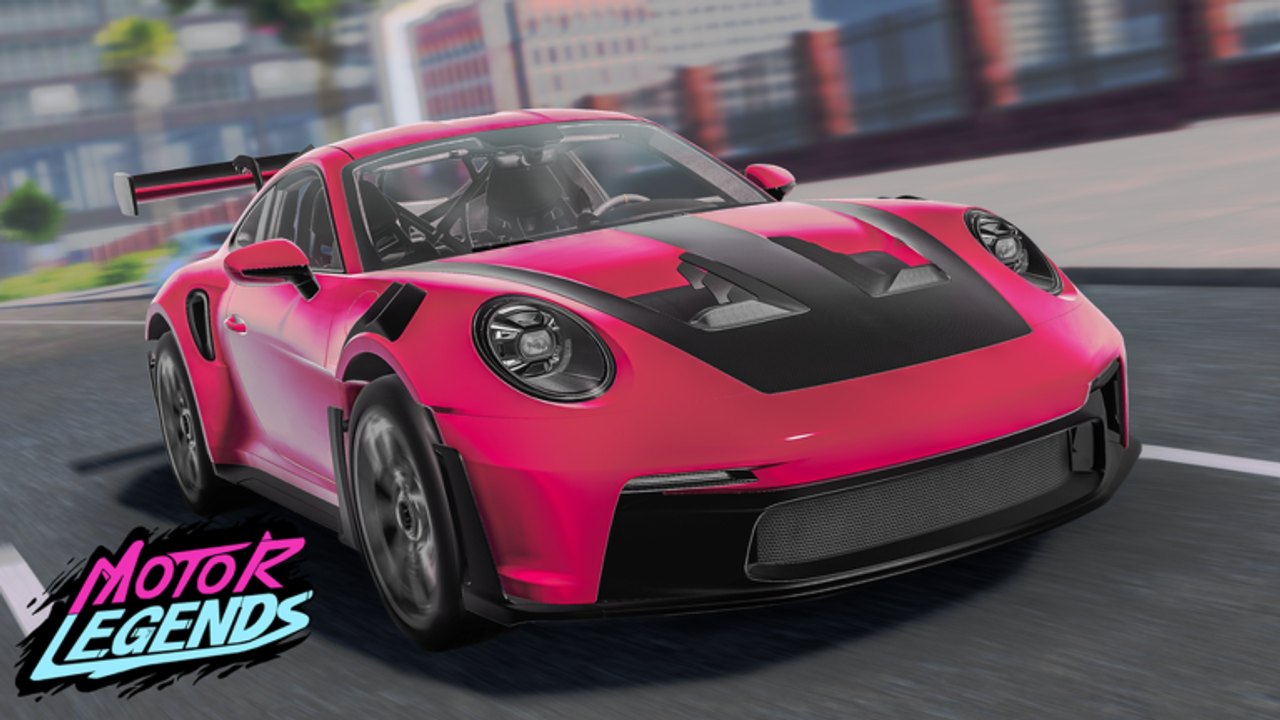
Redeeming codes in Motor Legends (Racing & Drifting) takes under a minute once you know where Quack! Studios hid the UI. This guide walks through PC and mobile, explains why codes fail, and shows how to turn free Cash into cars and upgrades without wasting a weekly promo. For the live list, always start from the Codes Hub.
Motor Legends is an early-access open-world racer on Roblox (released December 2, 2025; Place ID 101382716297051). Servers hold about 15 players. Cash is the main spend currency. Codes are one of the fastest early boosts—especially during Season 4 weekly updates.
Exact redeem steps (all platforms)
- Open Roblox and join Motor Legends (Racing & Drifting) from the official place page or your continue list.
- Wait until the world and HUD finish loading. Do not open menus during the first second of spawn if the UI still fades in.
- Look at the bottom-right corner for the Settings gear icon and select it.
- Find the yellow Codes button inside Settings.
- Tap or click the Codes field, then paste the code. Prefer paste over typing—codes are case-sensitive (
GRAPHICSUPDATEis not the same asgraphicsupdate). - Confirm / submit. Watch for a success toast or Cash balance change.
- Exit Settings and open the garage or HUD Cash readout to verify the reward landed.
If you are teaching a friend, send them this page plus the Codes Hub so they claim GRAPHICSUPDATE and UPDATE25 before their first race.
PC tips
On desktop, keep the Roblox window focused when pasting. Some overlay software (Discord overlay, GPU overlays) can steal Ctrl+V. Click the Codes text box once so it has focus, then paste. If the yellow button is clipped on ultrawide or scaled UI, lower Roblox graphics scale in Roblox settings or toggle fullscreen once.
Keyboard players often redeem between races. You do not need to sit in a garage for codes to apply—Cash updates globally for the session once the server accepts the string.
Mobile tips
On phones and tablets, the gear can sit under system gesture bars. Swipe carefully so you do not trigger Android/iOS home gestures while aiming for Settings. Use the OS paste button after copying a code from this wiki or Discord. Avoid typing long codes like LateUpdateSorry on a tiny keyboard—one wrong capital fails the redeem.
If the Codes button does not appear, rotate to landscape, rejoin the place, or update the Roblox app. Early-development UIs sometimes lag a frame behind on low-end devices.
What success looks like
A valid unused code typically:
- Shows a confirmation or reward message
- Increases Cash immediately
- Rejects a second redeem of the same code on that account
Rewards are primarily Cash. Amounts vary by promo—holiday leftovers, season launches, and apology codes (LateUpdateSorry, older SORRYFORLATE) can be larger than routine weekly tags like UPDATE24.
Troubleshooting invalid or expired codes
Invalid / mistyped: Re-copy from the Codes Hub. Watch for lookalike characters, extra spaces, and underscores (UPDATE_7 vs UPDATE7). Never add quotes.
Already redeemed: Each code is generally one claim per account. Alts may claim again if the system allows it; your main will not.
Expired: Weekly update culture means older strings rotate out. Move expired codes to your personal “dead” list. The hub’s verify section exists for borderline older promos—try once, then stop.
No Codes button: Rejoin, finish loading, or check that you are in the correct place (Motor Legends Racing & Drifting by Quack! Studios, not a copycat experience). Confirm you are not in a private broken fork.
Cash did not change: Refresh HUD, re-open garage, or rejoin once. If the success message appeared, the grant usually persisted server-side.
After you redeem: spend wisely
Free Cash is progress fuel. New players should follow Getting Started: claim codes, learn controls, then enter a short race loop. Mid-game players should funnel Cash into the upgrades that match their goal:
- Racing pace → see Racing Cars Tier List
- Angle and style → see Drift Cars Tier List and How to Drift
- Broader grinding plan → How to Earn Cash
Customization (appearance, performance, suspension, tires) is covered in Car Customization. Do not blow an apology code windfall on cosmetics alone if your current car cannot finish races cleanly.
Where new codes are announced
Official and community channels matter more than random social posts:
- Quack! Studios Roblox group
- Community Discord invite
- In-game update messaging and this wiki’s Updates / Season 4 pages
Cross-check suspicious “new code” screenshots against those sources. Scammers invent codes to phish passwords. Never share account credentials. Script-based auto redeemers are unnecessary and risky—see Scripts Hub and Executor Guide if you are researching tools for other reasons.
Checklist before you close the menu
- Redeem highlighted codes:
GRAPHICSUPDATE,UPDATE25. - Sweep the rest of the active table on the Codes Hub.
- Optionally try each verify-list code once.
- Note your new Cash total.
- Spend toward a clear racing or drift goal.
- Recheck after the next weekly update.
That loop keeps your garage funded while Motor Legends continues early-development seasons. When a patch note mentions a new promo, return here to confirm the UI path has not moved, then update your redeem habit for Season 4 and beyond.
Frequently Asked Questions
Quick answers to the most common questions.
Where is the Codes button in Motor Legends?
Open the Settings gear in the bottom-right corner of the HUD, then tap the yellow Codes button. Paste case-sensitive codes there.
Do codes work on mobile?
Yes. Use the same Settings gear path. Paste from your clipboard instead of typing, and make sure the Roblox app and place UI have finished loading.
Why does it say the code is invalid?
Check capitalization and spaces, confirm you have not already redeemed it, and verify it is still on the active list. Expired weekly codes fail even if typed correctly.
Can I redeem the same code twice?
Usually no on the same account. Create progress on one main account; only try alts if you knowingly maintain multiple Roblox accounts.
What should I buy after redeeming Cash?
Prioritize performance and tires that match racing or drifting goals. Use Getting Started, Earn Cash, and the Tier List Hub before heavy cosmetic spending.