Motor Legends Halloween Update (October 2026)
HALLOWEEN and UPDATE24 codes, seasonal promo pattern, and a redeem checklist layered on Season 4.
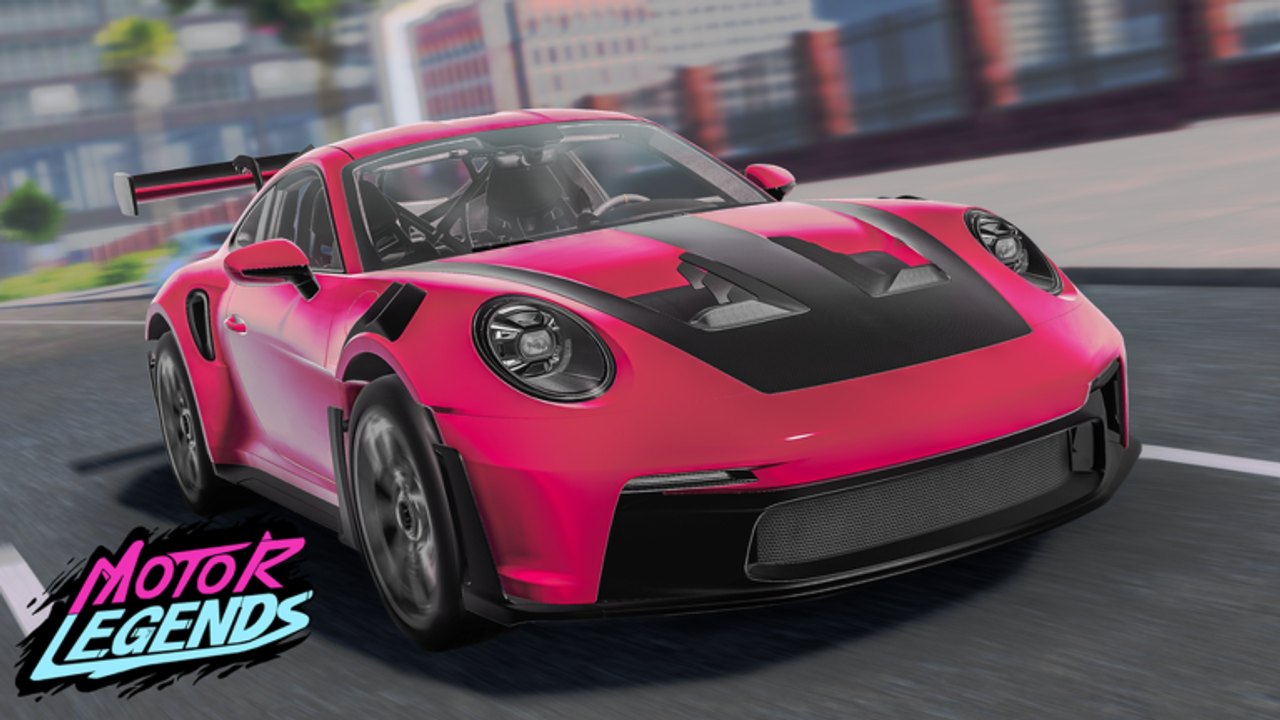
Around late October 2026, Quack! Studios flagged a 🎃 HALLOWEEN UPDATE 🎃 banner for Motor Legends (Racing & Drifting). The seasonal push sat on top of the still-active Season 4 chapter—it did not replace the season branding. This page explains what was confirmed (codes + event listing), how to redeem before strings expire, and a practical post-event checklist so you keep progress when the pumpkin banner disappears.
Parent hub: Updates. Season context: Season 4. Graphics era: Graphics Update. Live reward table: Codes Hub.
What was confirmed
Treat the Halloween drop as a seasonal promo layer, not a full season reset:
- Official Roblox event / place banner messaging around the Halloween window
- Promo codes added roughly October 27, 2026:
HALLOWEENandUPDATE24 - Both codes still appeared on active tracker lists into mid-November 2026
- Weekly early-access cadence from Quack! Studios continued underneath the theme
This wiki does not invent limited cars, exclusive cosmetics, or undocumented map props. If a trailer or Discord pin names a specific vehicle later, add it in a follow-up edit—do not assume every seasonal banner ships a permanent garage slot.
How Halloween fits Season 4
Season 4 remains the active season chapter as of November 2026. Halloween content behaves like other holiday overlays in early access: marketing heat, temporary UI flavor, and Cash-focused codes that compress the grind. After the holiday window, expect:
- Banner and lobby marketing to rotate back to generic Season 4 / weekly messaging
- Codes to expire on their own schedule (recheck the Codes Hub weekly)
- Core systems—open-world races, drift loops, ~15-player servers, Cash economy—to keep the Season 4 ruleset
If you are returning just for Halloween, still skim Season 4 so you understand the GRAPHICSUPDATE / UPDATE25 era that surrounds the holiday codes.
Redeem the Halloween codes first
Priority strings for this page:
HALLOWEENUPDATE24
Then clear the rest of the active November list (including GRAPHICSUPDATE, UPDATE25, SEASON4, and older weekly / apology codes) so you do not leave free Cash behind.
Exact redeem path
- Join the official place (Place ID 101382716297051).
- Wait for HUD load in a live server.
- Open Settings (gear, bottom-right).
- Tap the yellow Codes button.
- Paste
HALLOWEENandUPDATE24exactly (case-sensitive). - Confirm Cash landed before closing the menu.
Full UI walkthrough: How to Redeem Codes. Mobile and PC share the same Settings → Codes flow.
If a code fails
- Already redeemed on that account
- Typo / wrong case / extra space
- Expired after the seasonal window
- Redeemed too early during a brief UI glitch after a weekly restart
Do not buy gray-market “private Halloween codes.” Stick to strings listed on the Codes Hub and official-leaning tracker roundups.
Player checklist during the event window
Use this while the Halloween banner is live:
- Redeem
HALLOWEEN+UPDATE24on every alt you actually play. - Bank the Cash—do not impulse-buy a trailer hypercar on day one of the theme.
- Run one familiar Earn Cash route to confirm payouts still feel normal under holiday traffic.
- Screenshot your current tire / suspension setup before testing any new feel.
- Check Discord & Group pins for schedule slips or apology codes.
- Keep tier lists as living estimates; holiday lobbies are busier and noisier, not always a true meta sample.
- Ignore injector spam promising “Halloween money scripts”—see Scripts for risk context and stay on fair loops.
Post-event checklist (after the banner drops)
When the pumpkin marketing rotates off:
- Recheck codes —
HALLOWEEN/UPDATE24may still work for a while; confirm on the Codes Hub before assuming they died with the banner. - Spend with a plan — convert leftover event Cash into a race or drift goal from the Guides Hub, not random cosmetics.
- Re-test handling — weekly patches under Season 4 can land the same week a seasonal banner ends; drive a known route before judging your garage.
- Update bookmarks — leave this page, keep Season 4 and Updates for the next weekly pulse.
- Teach crew mates — send friends the redeem guide so late joiners still catch lingering codes.
- Watch for apology codes — if the Halloween drop ran late or buggy, strings like the
LateUpdateSorrypattern sometimes appear afterward. - Official links — verify you are still on the Quack! Studios place via Official Links if mirrors or copycat experiences spike during holiday search traffic.
Seasonal promo pattern (what to expect next holiday)
Motor Legends early access repeats a recognizable loop:
- Weekly patch identity (
UPDATE##series) - Season branding (
SEASON4and older season codes) - Milestone / apology / holiday overlays (
HALLOWEEN, July codes, and similar)
Your job as a player is not to memorize every cosmetic rumor. Redeem early, grind fair Cash, and re-evaluate cars after community testing. That pattern beats panic spending every time a banner emoji appears on the Roblox page.
Related pages
- Updates Hub
- Season 4
- Codes Hub
- How to Redeem Codes
- Earn Cash
- Guides Hub
- Tier List Hub
- Discord & Group
- Official Links
- Scripts
Halloween in Motor Legends is a timed Cash and attention spike on top of Season 4. Grab HALLOWEEN and UPDATE24, run your normal loops, and leave the event with a fuller wallet—not a garage full of untested impulse buys.
Frequently Asked Questions
Quick answers to the most common questions.
When did the Motor Legends Halloween Update land?
Official Halloween banner messaging appeared around late October 2026, with HALLOWEEN and UPDATE24 codes added roughly October 27, 2026.
Which codes came with the Halloween Update?
HALLOWEEN and UPDATE24. Both were still listed as active on trackers into mid-November 2026—always recheck the Codes Hub before assuming expiry.
Did Halloween replace Season 4?
No. Season 4 remained the active season chapter; Halloween layered seasonal promo content and codes on top of the weekly early-access cadence.
How do I redeem HALLOWEEN and UPDATE24?
Join Motor Legends, open Settings (gear, bottom-right), tap the yellow Codes button, and paste each string exactly. Full steps: How to Redeem Codes.
Were limited Halloween cars confirmed?
This wiki only documents confirmed codes and the event listing. Do not assume exclusive cars or cosmetics unless Quack! Studios names them in an official note.