Motor Legends Discord & Quack! Studios Group
Official community entry points for codes, crews, and Season 4 news.
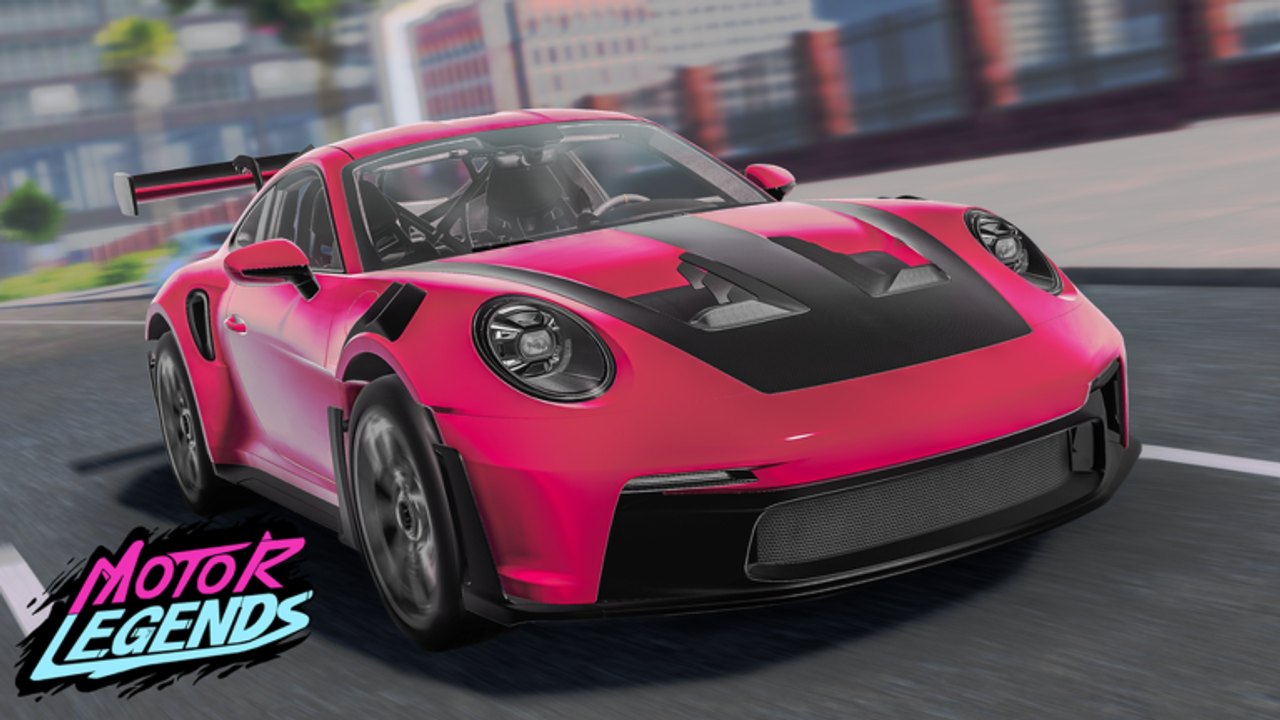
If you want Motor Legends news faster than refreshing a search page, join the community channels Quack! Studios players actually use. This guide covers the Discord invite, the Roblox group, what to do after you join, and how to avoid phishing that pretends to be “staff.”
Parent hub: Players Hub. Combined URL list: Official Links.
Primary links
- Discord: https://discord.com/invite/vVX522PSZQ
- Roblox group — Quack! Studios: https://www.roblox.com/communities/34160610
- Play Motor Legends: https://www.roblox.com/games/101382716297051/Motor-Legends-Racing-Drifting
Universe ID 9287599037 / Place ID 101382716297051 help you confirm you are discussing the real experience when channels share screenshots.
Why Discord helps Season 4 players
During early development, Quack! Studios ships weekly updates. Discord is where people:
- Flag new or expired codes after patches (
GRAPHICSUPDATE,UPDATE25, and friends) - Post garage tunes that survived handling changes
- Arrange drift meets and fair race cups
- Warn about malware posing as Motor Legends scripts
- Share clips when new supercars or hypercars land
Treat Discord as a signal board, then verify codes against this wiki’s Codes Hub before spamming invalid strings in-game.
Step-by-step: join Discord safely
- Open the invite link above in a browser or the Discord app.
- Confirm the server name/branding matches the Motor Legends / Quack! community you expect—leave if it immediately DMs executable files.
- Complete any verification gate that does not ask for your Roblox password.
- Read rules channels before posting.
- Mute noisy channels if you only want update announcements.
- Never accept friend requests that demand account login “checks.”
If a “moderator” asks for your password, cookie, or .ROBLOSECURITY, it is a scam—full stop. See Executor Guide for related red flags.
Step-by-step: join the Roblox group
- Open the Quack! Studios community page linked above while logged into Roblox.
- Join the group so wall posts and event shout-outs can reach you (subject to Roblox notification settings).
- Cross-check group shouts with in-game behavior and this wiki’s Updates pages.
- Use group membership as a social proof when arranging private sessions—not as a paid power fantasy.
Group walls can lag or get spammy; Discord is usually faster for live troubleshooting like “is UPDATE25 still alive?”
What to post (and what not to)
Helpful
- Clear questions: “Settings gear missing Codes button on mobile—fixes?”
- Tune notes tied to race vs drift goals
- Friendly crew invites with timezone and rules
- Links back to How to Redeem Codes for newcomers
Unhelpful / banned energy
- Leaked stolen accounts
- Unsolicited executor downloads
- Fake code lists designed to phish
- Harassment in race lobbies organized from the server
Good communities age well when veterans send new players to Getting Started instead of mocking starter cars.
Using community intel without getting misled
Cross-check workflow:
- See a code screenshot in Discord.
- Compare to the Codes Hub active vs verify lists.
- Redeem in-game via Settings → yellow Codes.
- If it fails, comment factual results without flaming.
- For car strength debates, compare both racing and drift lists plus upgrade level.
Community meta is opinion. Your garage Cash is real. Spend using Earn Cash priorities.
Organizing a first crew night
- Pick a time in Discord.
- Agree on rules: no pit griefing, same bracket optional, no scripts.
- Meet on the official place.
- Start with a warm-up cruise, then either race loops or drift drills.
- End with a garage share—screenshots of tires/suspension from Car Customization.
- Note any weekly patch surprises for Season 4 discussion.
Related pages
- Players Hub
- Official Links
- Codes Hub
- Updates Hub
- Scripts Hub — safety only
Join once, set notifications thoughtfully, and let the community accelerate everything else on this wiki—without ever trading away your account.
Frequently Asked Questions
Quick answers to the most common questions.
What is the Motor Legends Discord invite?
https://discord.com/invite/vVX522PSZQ — leave immediately if anyone demands your Roblox password.
Where is the Quack! Studios Roblox group?
https://www.roblox.com/communities/34160610 — join for shouts and community presence.
Can Discord replace the Codes Hub?
No. Use Discord for tips, then verify against the Codes Hub and redeem in-game.
Staff asked for my password to give Cash. Real?
Fake. Real staff will not need your password. Secure your account and report the user.
How do I find people to play with after joining?
Use looking-for-group style channels, post your timezone, and arrange lobbies on the official Motor Legends place.